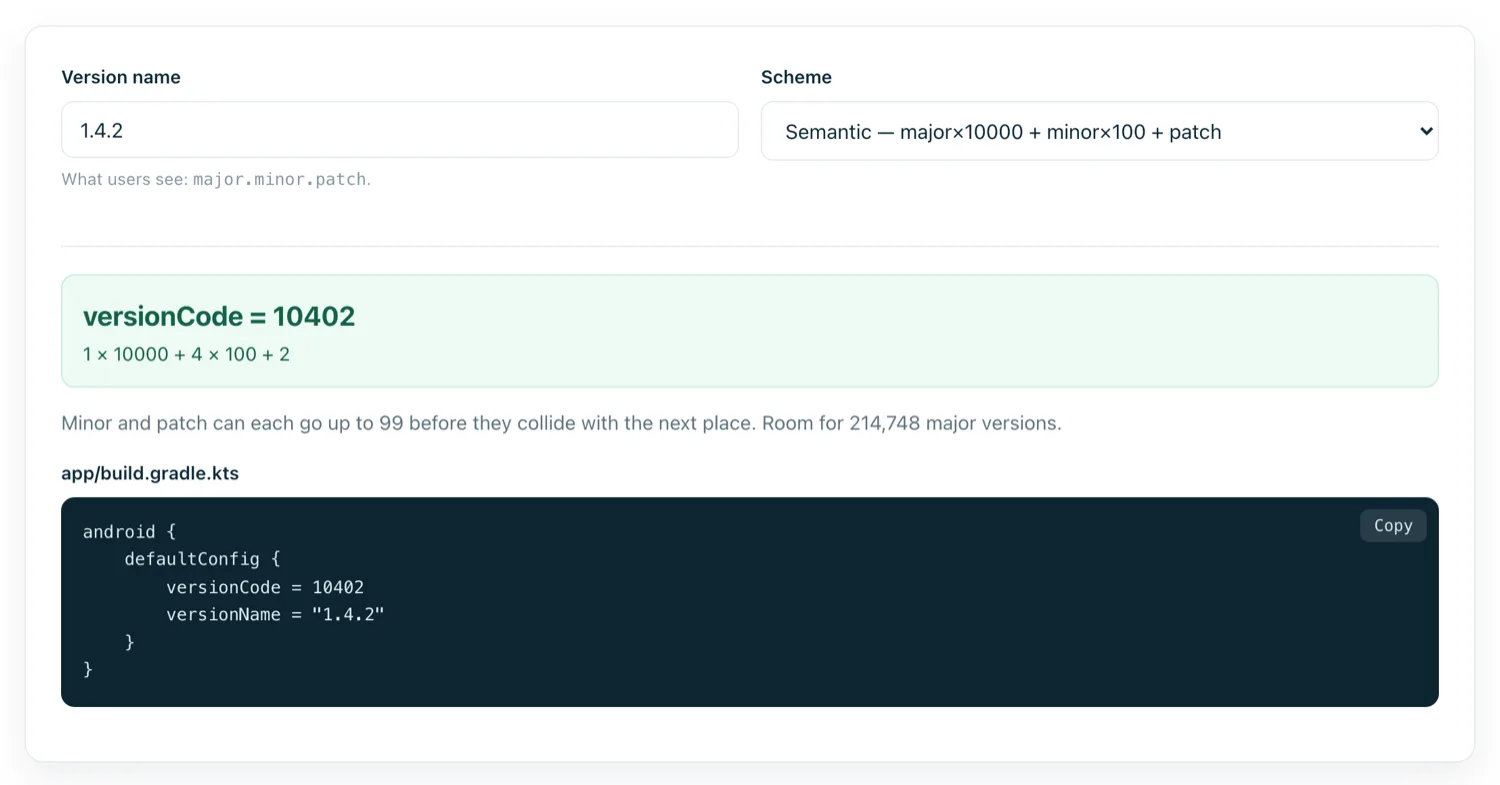
Building the app is the part you control. Publishing is the part with someone else's rules, and most first submissions are delayed by paperwork rather than code.
Step 1 — The developer account
A one-off $25 registration fee, paid once, covering unlimited apps for life. You will need identity verification — a legal name and address, and for a business account, documentation matching it. Verification alone can take days, so start it before the app is finished rather than after.
One decision worth making deliberately: a personal account publishes under your own legal name, which is public on the listing. A business account publishes under an organisation name and requires a D-U-N-S number. Changing between them later is awkward.
Note the newer requirement for personal accounts: apps must be tested by a group of testers for a period before production access is granted. Budget time for it.
Step 2 — Create the app and choose your identifiers
Play asks for the app name, default language, whether it is an app or a game, and free or paid. Free to paid is a change you cannot make later — the reverse is allowed.
Your package name is fixed at first upload. If you have not settled it, settle it now.
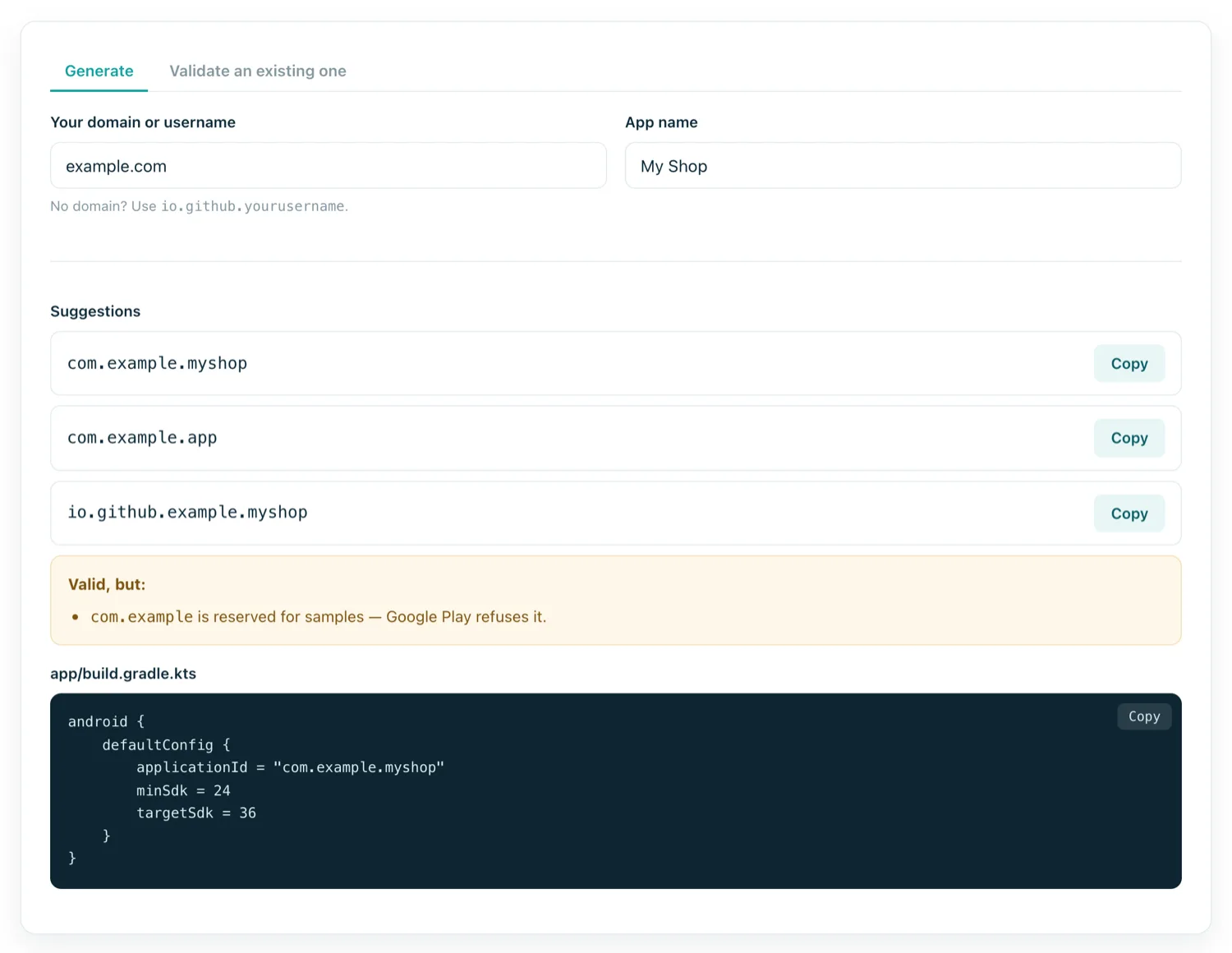
Step 3 — Build the store listing
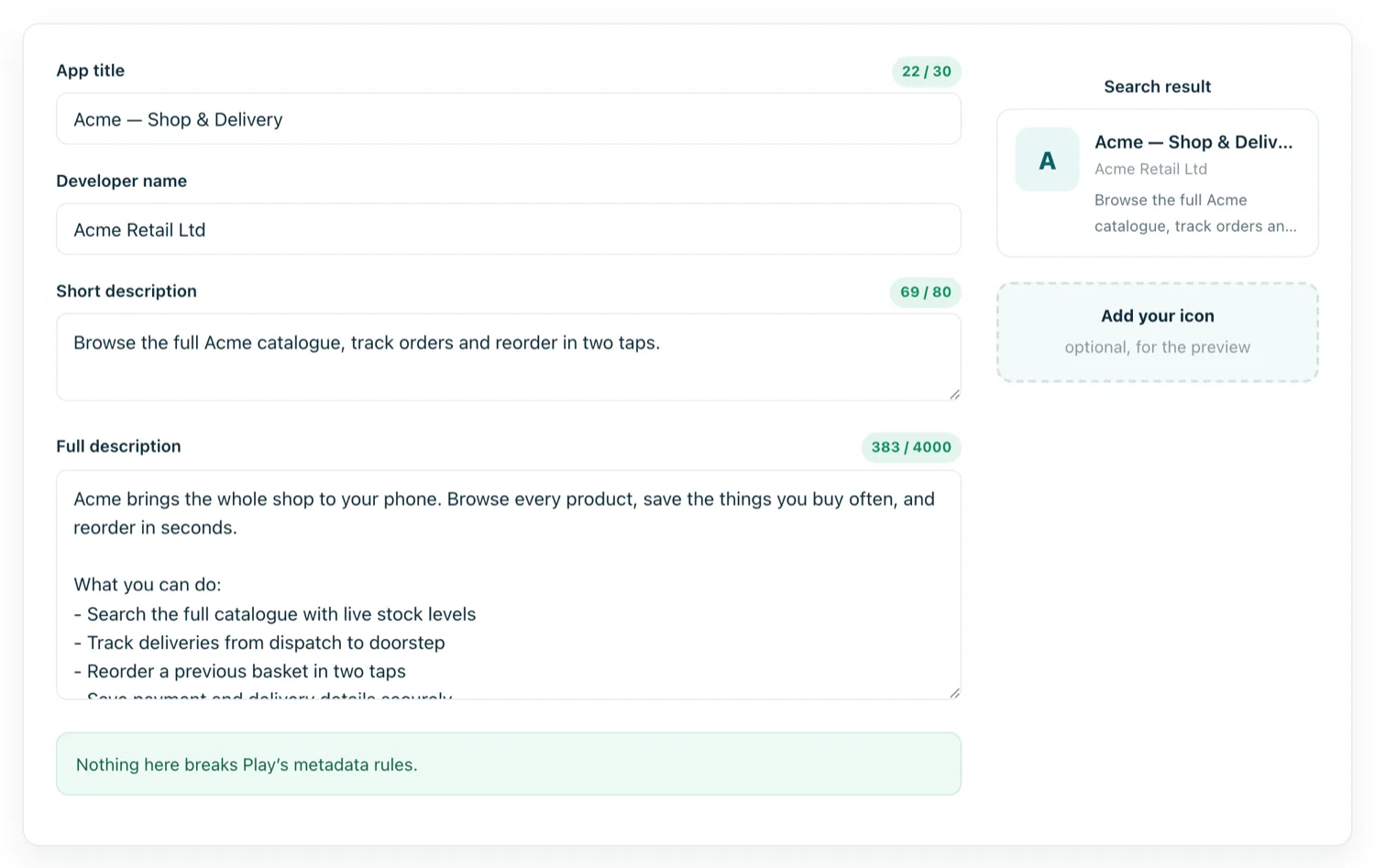
The listing is your entire conversion funnel; treat it as marketing rather than a form.
| Field | Limit | Notes |
|---|---|---|
| App name | 30 chars | Keyword stuffing is a policy violation |
| Short description | 80 chars | The line people actually read |
| Full description | 4,000 chars | First two lines matter most |
| App icon | 512 × 512 | 32-bit PNG, no transparency |
| Feature graphic | 1024 × 500 | Required; shown at the top |
| Phone screenshots | 2–8 | 16:9 or 9:16, min 320px |
Step 4 — The policy forms
Three of these block release until complete, and all three are answered under penalty of removal if wrong.
Privacy policy
A reachable URL on your own domain. Required for effectively every app now, not just those handling sensitive data. It must actually describe your app's data handling — a generic template that contradicts your Data Safety answers is worse than none.
Data safety
A declaration of what you collect, what you share, and whether data is encrypted in transit. For a WebView app, remember that your website's analytics, cookies and third-party scripts count. Answering "we collect nothing" while your site runs an ad network is a false declaration.
Content rating
A questionnaire producing regional age ratings. Answer honestly; a rating obtained through inaccurate answers is grounds for removal.
Step 5 — Test tracks, in order
Skipping straight to production is the classic first-timer mistake. The tracks exist to make mistakes cheap:
- Internal testing — up to 100 testers, available within minutes. This is where you check what Play actually serves.
- Closed testing — a larger invited group. Required for personal accounts before production.
- Open testing — anyone can join; the listing is public but marked as a test.
- Production — live, with staged rollout available so you can release to 10% first.
Use staged rollout for the first production release. If something is broken, you have halted it at a fraction of your users rather than all of them.
Step 6 — Submit and wait
Review commonly takes a few days for a new account, occasionally longer. Updates to an established app are usually faster. You can be rejected — quietly, by email — for reasons that are worth pre-empting:
- Minimum functionality. A bare WebView wrapper with nothing a bookmark could not do. Bundled content, notifications or native navigation address it.
- Broken privacy policy link. Check it resolves publicly, not just for you.
- Data safety mismatch. Your form says one thing, your site's trackers say another.
- Placeholder content. Lorem ipsum, a default icon, or screenshots from a different app.
- Impersonation. Wrapping a site you do not own or control.
After you are live
Publication is the start of an ongoing obligation, not the end of one. Play raises the minimum target API level annually, and apps that fall behind stop being discoverable by newer devices and eventually cannot be updated. Reviews want answering, crash reports want reading, and each release needs a version code higher than the last.