The confusing part is that these are not two versions of the same thing. An APK is a finished app. An AAB is the raw material Google Play uses to make APKs. You cannot install an AAB on a phone, and since August 2021 you cannot publish a new app to Play as an APK.
What each format is
| APK | AAB | |
|---|---|---|
| Full name | Android Package | Android App Bundle |
| Installs directly | Yes | No — never |
| Accepted by Play | Updates to old apps only | Required for all new apps |
| Contains | One device's worth of resources | Every device's resources |
| Signed by | You | You, then re-signed by Play |
| Good for | Direct distribution, testing | Publishing on Google Play |
Why Google made the switch
An APK has to contain everything for every device: icons at five densities, every translation, and native code for each CPU architecture. Any given phone uses one density, one or two languages, and one architecture. The rest is downloaded and then never touched.
With an App Bundle you upload all of it once and Play generates a tailored APK per device — dropping the densities, languages and architectures that device cannot use. Typical saving is 20–35%, and for apps with large native libraries it is considerably more.
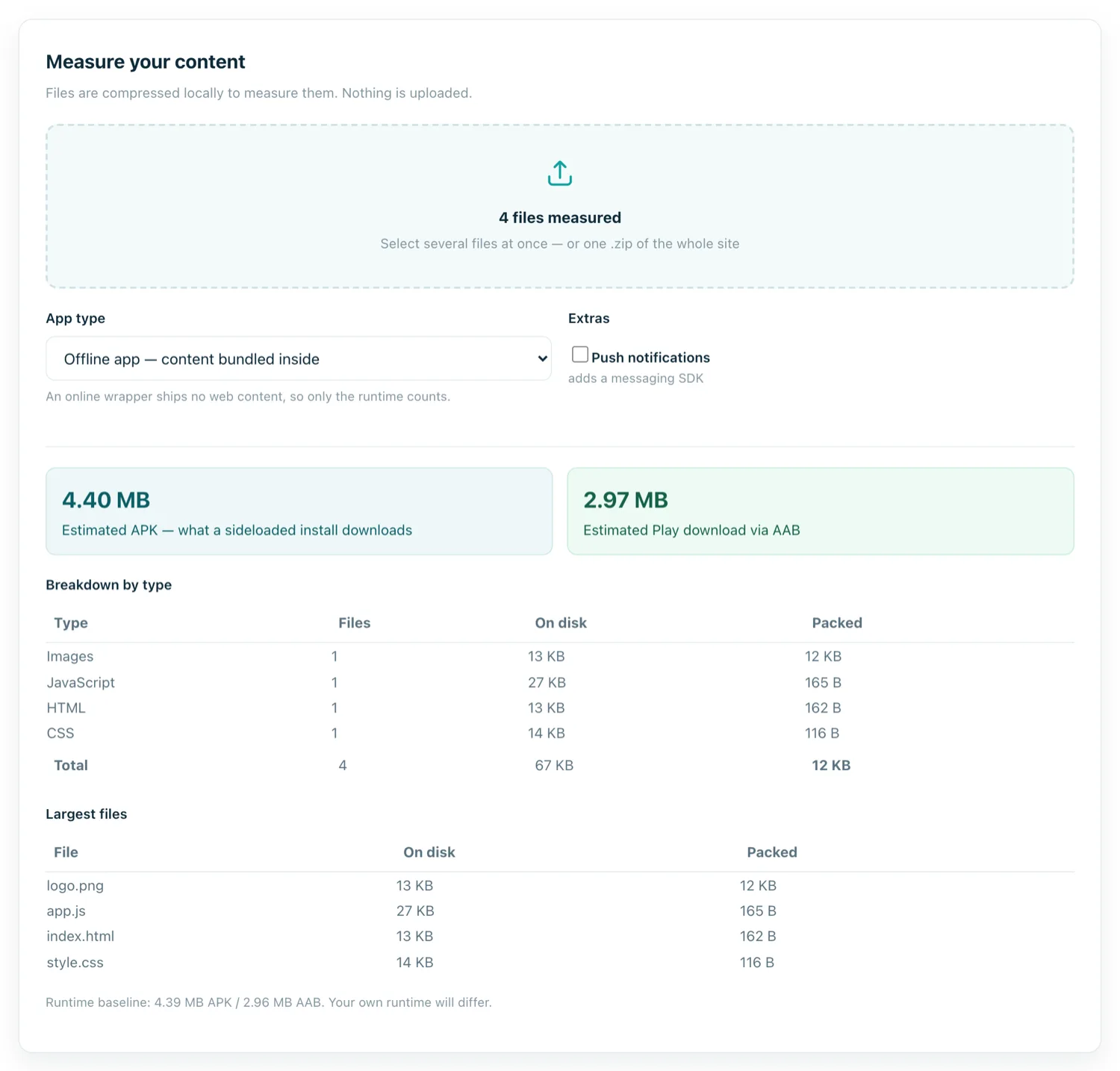
For a WebView app wrapping a website, the saving is at the smaller end — you have little native code and few translations — but it is free, so there is no reason to leave it.
The catch: Play holds the signing key
Because Play generates and signs the final APKs, it needs a signing key of its own. This is Play App Signing, and it is mandatory for App Bundles.
What actually happens: you keep an upload key and sign your bundle with it. Play verifies that signature, strips it, and re-signs the generated APKs with the app signing key it holds. The practical consequences are worth understanding before you agree to it:
- Losing your upload key is recoverable. Google can reset it — a real improvement over the old world where a lost key ended your ability to update the app.
- The app signing key lives with Google. You can supply your own or let Google generate it, but Play needs it either way.
- The APK users install is not byte-identical to anything you built, which matters if you rely on signature pinning or reproducible builds.
When you still want an APK
Plenty of situations, and none of them involve Play:
- Direct distribution. Sending the app to a client, a colleague, or a customer outside the store.
- Testing. Installing on your own device takes seconds; an AAB has to go through Play or bundletool first.
- Enterprise and internal apps distributed by MDM or from your own site.
- Alternative stores. Amazon Appstore, F-Droid, Huawei AppGallery, Samsung Galaxy Store — most accept APKs.
- Regions where Play is unavailable.
Which is why a converter that produces both is worth having: the APK is what you hand round while you are testing, and the AAB is what you upload when you publish.
Can I get an APK out of an AAB?
Yes, with Google's bundletool, which generates device-specific APKs from a bundle locally. It is genuinely useful for testing exactly what Play would serve, and it is a command-line tool with a real learning curve — for most people, simply building both formats is the shorter path.
Which one do you need?
| Goal | Format |
|---|---|
| Publish a new app on Google Play | AAB — nothing else is accepted |
| Send the app to someone directly | APK |
| Test on your own phone | APK |
| Publish on Amazon or F-Droid | APK |
| Update an app first published before 2021 as an APK | APK still accepted |